If you or your business need a website, it can be hard to navigate the various options for putting up a website. Here, I will outline some of the easiest ways.
This guide is for non-technical people who just want to get a website up quickly without trouble. The first few options include AI, because using AI generally speeds up development time significantly, but there are also no-AI options further down.
1: Use an Email-Based AI Website Builder
One of the easiest ways to build a website is by asking an AI agent to do it for you. An AI agent is like ChatGPT, Claude, or Gemini, except that it has been given special abilities to complete domain-specific tasks. For example, an AI agent that can build websites would not only have the ability to generate text, but also to upload files to a server, make edits to HTML files (the files that define the website's structure), and connect domain names.
This is the forward-thinking way to build websites: as Nvidia CEO Jensen Huang said, “every SaaS company will become a GaaS company,” which is jargon for all the tools that run on the web, like corporate dashboards, being converted to being run by AI agents.
Casso is one such AI agent that you can use to manage your website entirely through email.
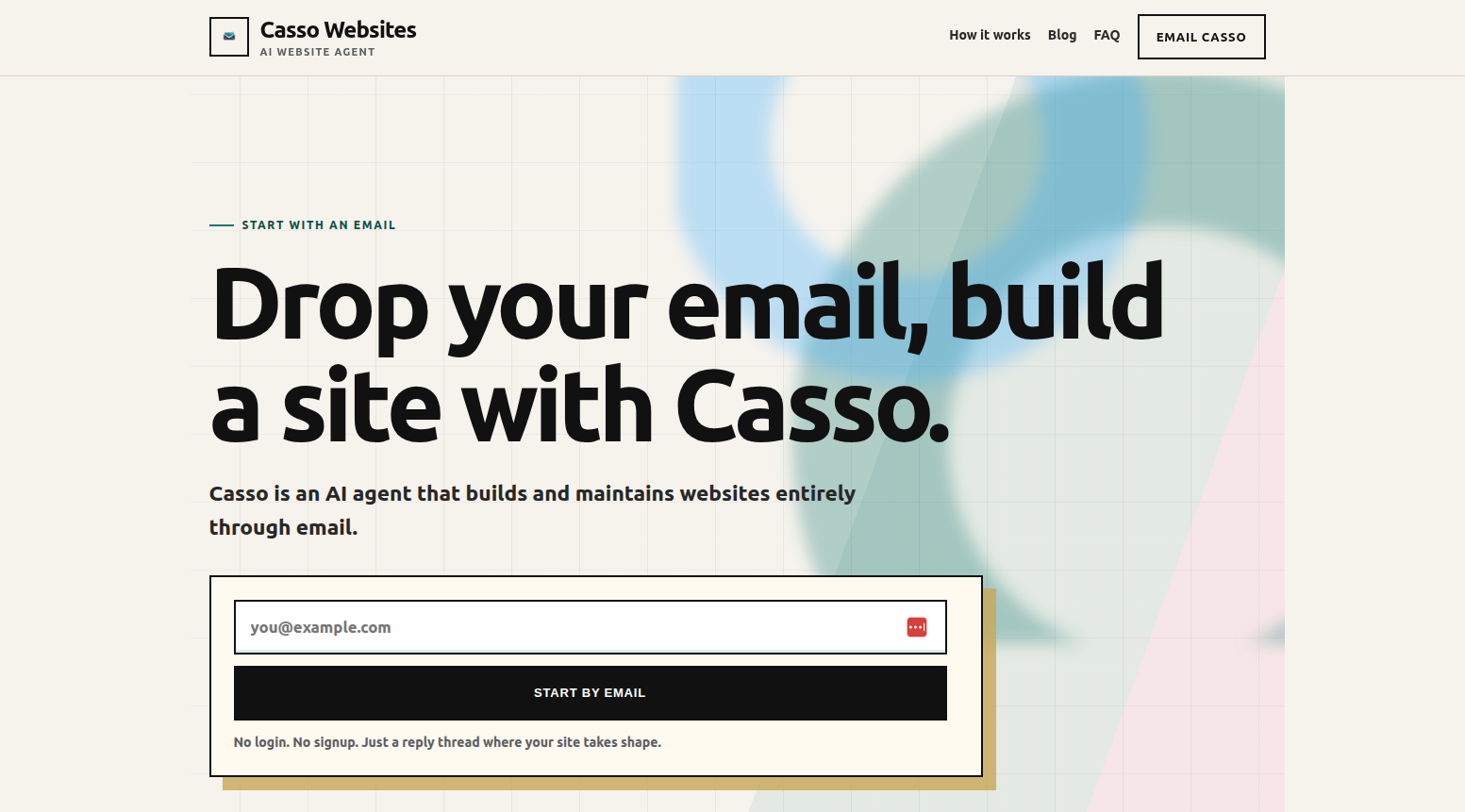
The reason that Casso is so much easier than other approaches to building websites is because you can dump all of your media (images, PDFs, etc.), contact information, styling requests, and anything else you want into a single email, and then the AI agent will take over and complete the rest of the work for you. You can even specify a sample URL of a website that you like for Casso to mimic the style of.
If there is something you don't like with the result, you can just ask Casso to change it, or generate a whole new website. Pricing wise, Casso is actually the cheapest option on this list: it's free as long as you host your website on a .bycasso.com domain, and a one-time $99 upgrade puts it on a domain you already own (as of 10/6/2026).
2: Use a Web-Based AI Website Builder
The second-easiest option is to use a website builder that is AI-enabled for quick development.
The problem with a lot of these website generators is that most of them do not provide you enough flexibility in your input to really get the website that you want right away. You usually only get a single text prompt to work with, no images, PDFs, or any other files are accepted. You also need to make an account, remember your password, forget your password, and hit the “Forgot password?” button again and again.
However, they can be quite helpful if you are looking for a more interactive experience than using an AI agent because they allow you to customize colors, text, and layout directly without having to go through an agent.
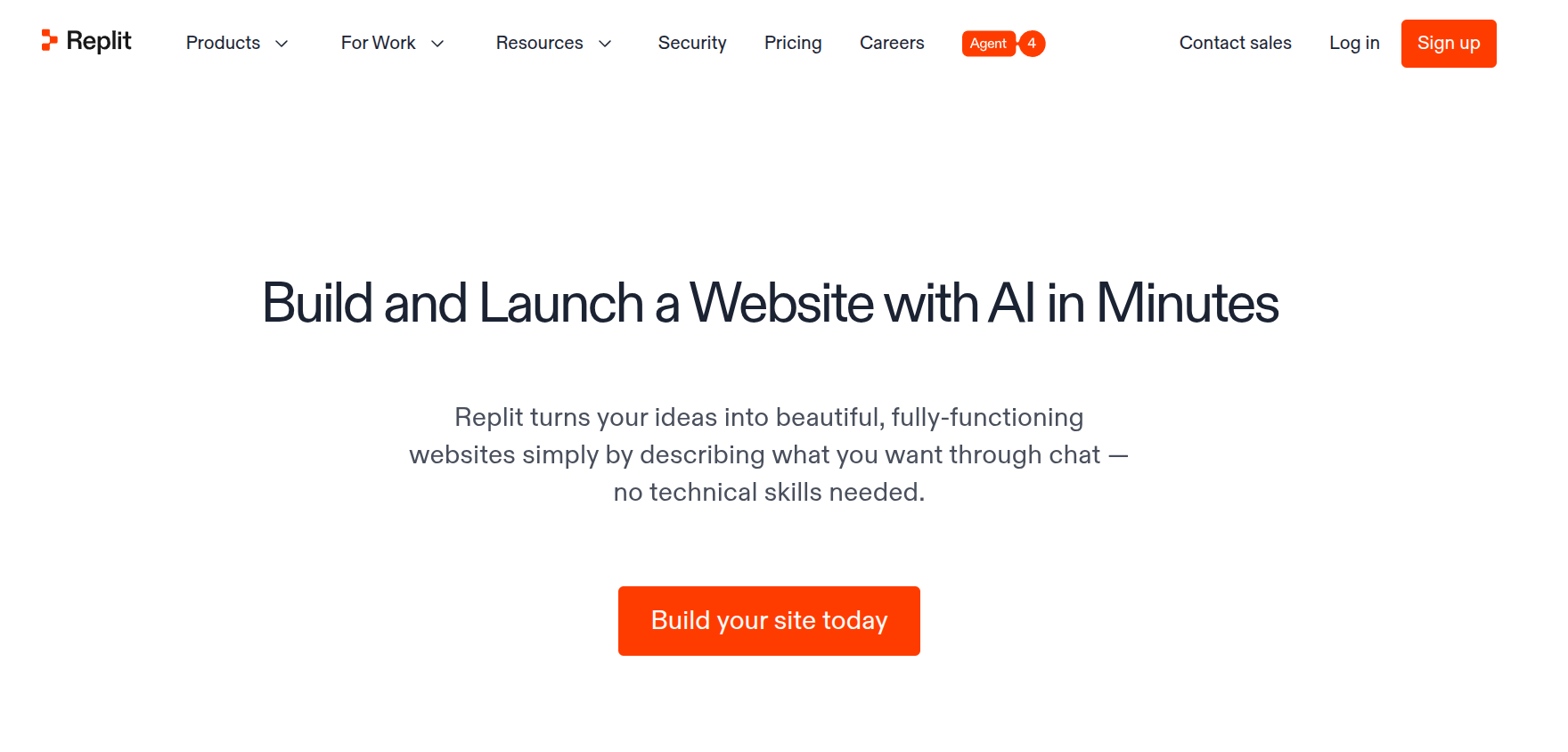
Replit is a good option for anyone who needs a website, with the added bonus that the Replit builder can also create backend features. This means that it can take your site from merely being able to display information to being able to let users create accounts, run multiplayer games, or leave comments on blog posts. It is an all-around very good option for anyone, but especially for people who are looking to make their website a bit more interactive.
Replit has heavy usage limits on the free tier, but you can get a good experience at $18/month, billed as $216 annually.
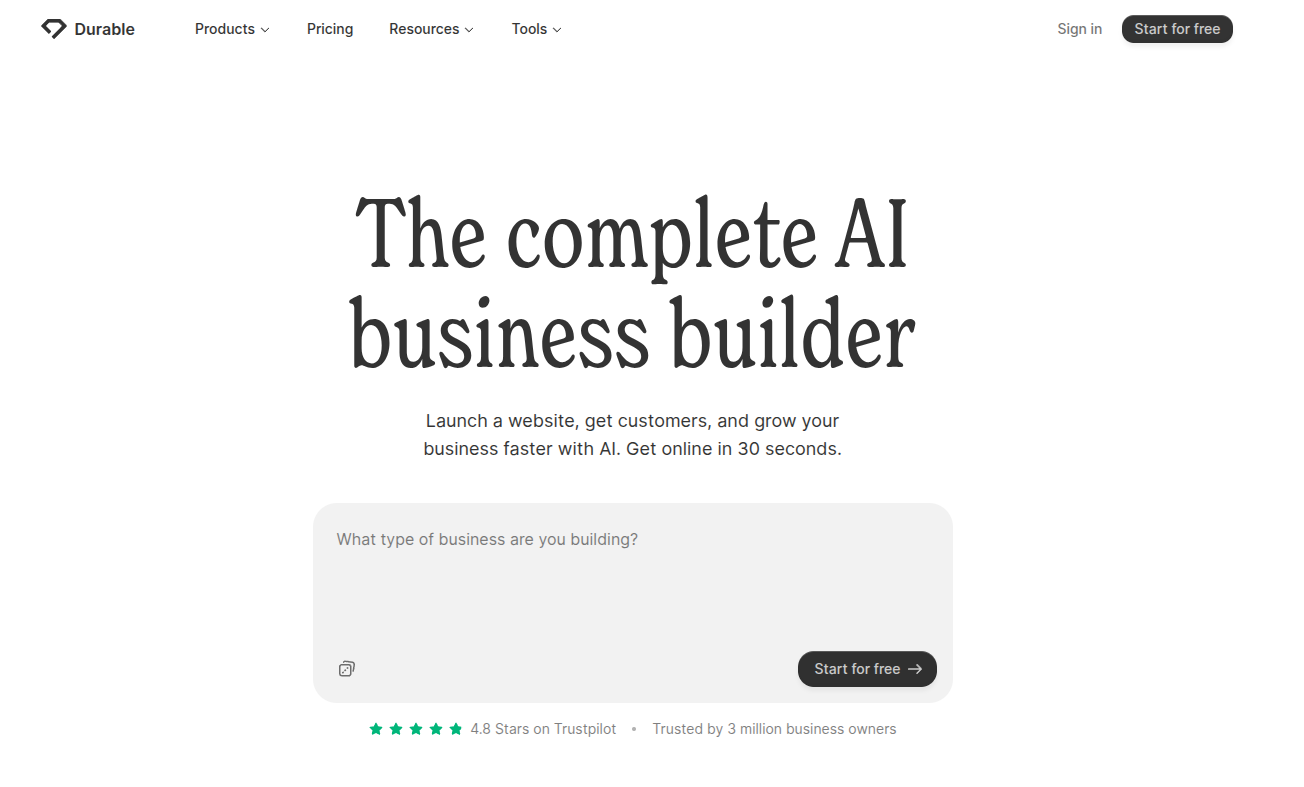
Durable is another AI website builder that is built especially to work with businesses.
Durable doesn't just include the basic website building features that you need, but it also includes tools for your business, like a CRM (Customer Relationship Management) tool, an invoice management system, and complete analytics tracking built in. These features make Durable a great choice for people who are looking for a business management system rather than just a website.
One critique of Durable is that their websites rely heavily on a template-based approach, so the websites that you generate might feel a bit generic. This is mostly solved by the many different styles provided by Durable for each section template, but it can still be a hindrance for people with specific visions.
Durable starts at $22/month, or $264 per year.
3: Manual Template-Based Website Builders
Although the major players in the website builder space do offer AI features to speed up website development, they are still mainly built for template-based website development.
Template-based website development means that you are given a large list of website designs to choose from, and then it is on you to fill in the content or fix up the styling to be exactly what you want. Ultimately, these types of builders do give you full control over what is going on the website, although it can be a tedious process to figure out exactly how you want everything to look. Users can get overwhelmed with having to make about one million decisions and interfaces with about one million buttons.
For a template-based builder, I'd recommend Squarespace.
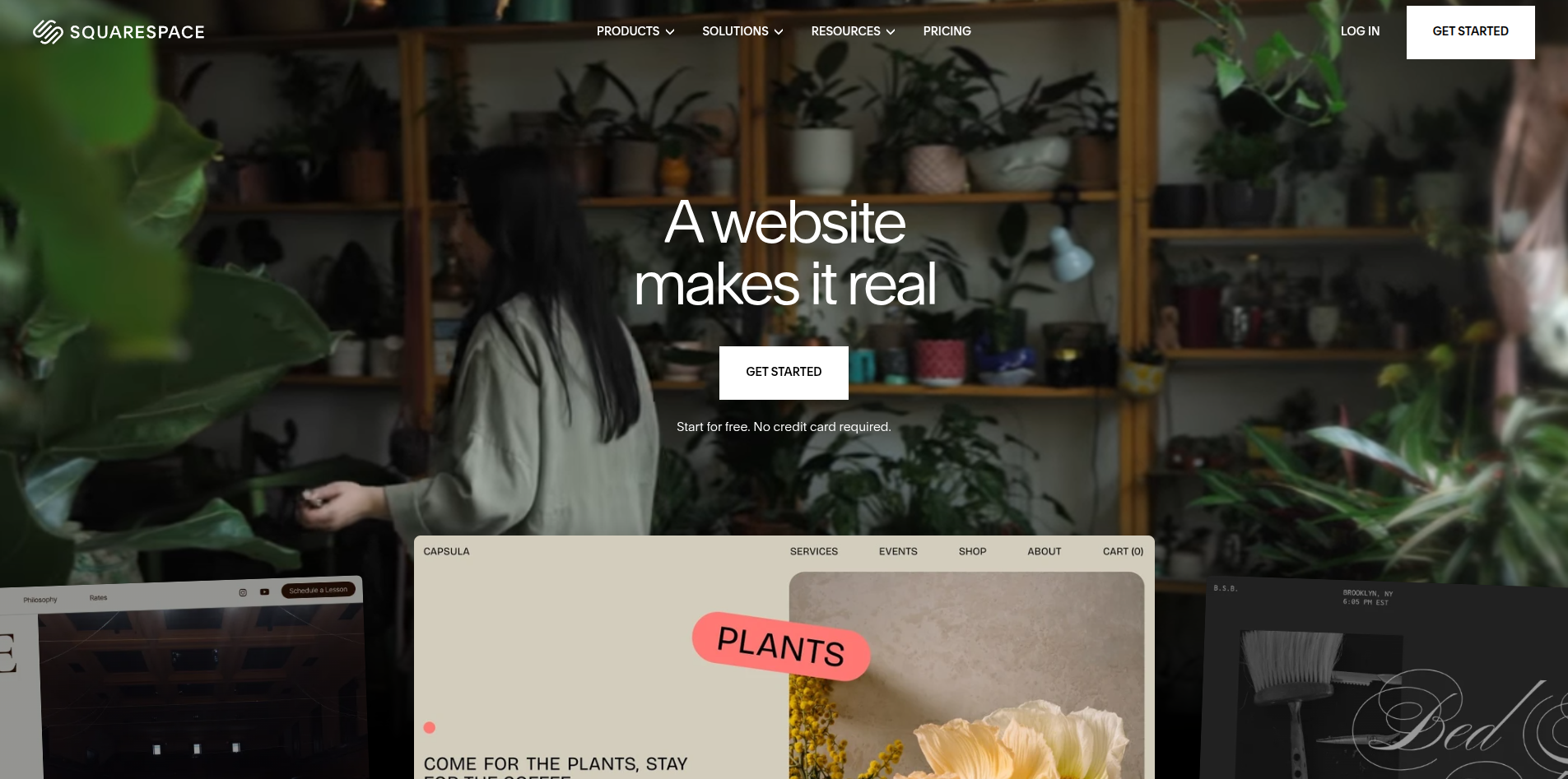
This is also a builder that gives you a bit more than just a website. They include a business email with their core plan for $27/month ($324 per year), or you can just get a website with their basic plan which is $19/month ($228 per year).
Although it is pricey and largely without the big time-saving features that are provided by the AI-enabled services, Squarespace is still a strong choice for people who want to manually choose a polished template and adjust it directly.
4: Build It Yourself (or with AI) and Publish to GitHub Pages
I'd be remiss if I didn't mention this option.
It's completely free forever, but it requires some intricate steps to set up and get working.
GitHub Pages allows you to host websites out of GitHub repositories. You need to manually write or ask AI to generate the code (HTML, CSS, and JS) that dictates how the website should look and run, but then you just need to upload the files to GitHub and you're done.
Try out their quickstart guide to understand how to get a skeleton website working, and then you can simply ask ChatGPT, Claude, Gemini, or any other chatbot to generate the code for your website. To avoid having the website look AI-generated, you can copy and paste these Claude skill instructions into your chatbot which will give it design guidelines that avoid AI-slop feels. In fact, Casso uses a modified version of these instructions itself!